What Is AI Text to Speech and How Does It Work?
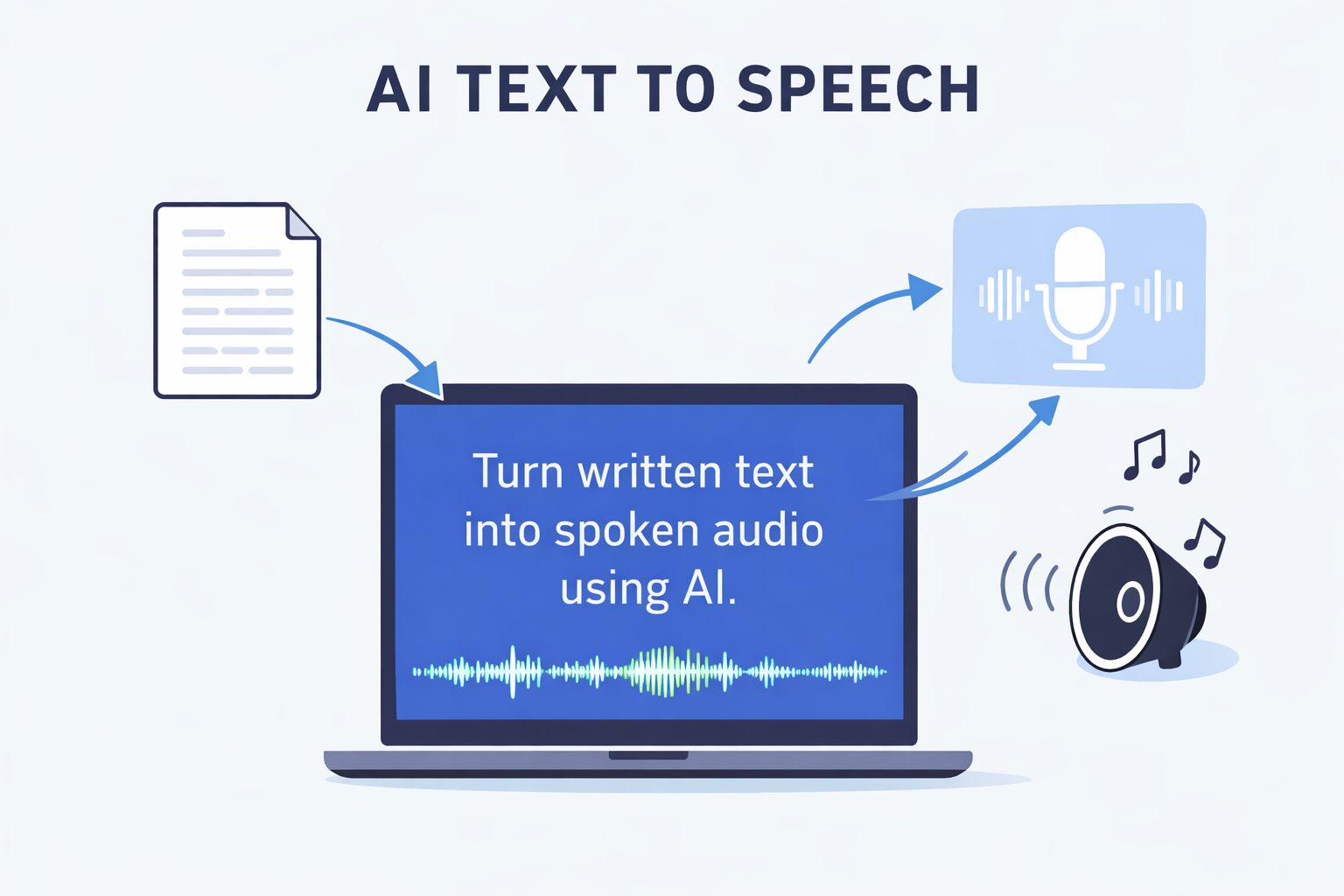
Artificial intelligence has made voice technology much more accessible than it used to be. A few years ago, creating high-quality synthetic speech often required expensive software, large teams, or complex technical workflows. Today, anyone can turn written text into spoken audio in minutes.
That is where AI text to speech comes in.
If you are a creator, streamer, musician, indie developer, or just someone curious about voice tools, text to speech can help you create content faster, test ideas, and experiment with new workflows without needing to record everything manually.
In this guide, we will break down what AI text to speech is, how it works, what it is useful for, and how to get started.
What Is AI Text to Speech?
AI text to speech, often called AI TTS, is a technology that converts written text into spoken audio using machine learning models.
In simple terms, you type words into an app, and the app generates a voice that reads them aloud.
Modern AI text to speech is very different from the robotic voices many people remember from older systems. Instead of sounding flat and mechanical, newer models can produce speech that feels more natural, expressive, and easier to listen to.
Depending on the tool, AI TTS can be used for:
- Video voiceovers
- Social media content
- Tutorials
- Presentations
- Accessibility support
- Prototyping dialogue
- Character experimentation
- Narration for creative projects
For many users, the biggest advantage is speed. You can go from idea to voice output without setting up a microphone, re-recording lines, or editing multiple takes.
How Does AI Text to Speech Work?
At a high level, AI text to speech works in three steps.
1. The system reads the text
First, the software analyzes the text you enter. It looks at the words, punctuation, sentence structure, and sometimes even context.
This matters because the same sentence can sound very different depending on pauses, emphasis, and phrasing.
For example, a good TTS system should recognize the difference between:
- A statement
- A question
- A dramatic pause
- A short command
- A longer narration line
2. The AI predicts how the voice should sound
Next, the model converts the text into speech patterns. It decides how fast the voice should speak, where to pause, which words to stress, and how the rhythm should flow.
This is what makes modern TTS feel more natural than older speech systems. Instead of just reading word by word, the model tries to generate audio that sounds more like a real person speaking.
3. The app generates the audio
Finally, the system renders the actual sound. The result is spoken audio that you can listen to, export, or use directly in your workflow.
The quality of the output depends on the model, the voice, the input text, and how well the app handles pronunciation, pacing, and natural speech patterns.
Why Is AI TTS So Popular?
AI text to speech has become popular because it solves real creative and practical problems.
Recording voiceovers manually takes time. You need a quiet environment, a microphone, energy, and often multiple takes. Even when the recording goes well, editing can still take longer than expected.
Text to speech removes a lot of that friction. Instead of recording every line from scratch, you can:
- Test scripts quickly
- Generate draft voiceovers
- Replace placeholder narration
- Produce content faster
- Experiment with different tones and ideas
It is especially useful when speed matters.
If you are making short-form content, social posts, explainer clips, demo videos, or concept projects, AI TTS can help you move much faster from idea to output.
Common Use Cases for AI Text to Speech
Text to speech is flexible, which is why it attracts users from different creative backgrounds.
Content creation
Creators can use TTS for YouTube videos, Shorts, Reels, TikToks, explainers, reaction edits, and educational clips.
It is useful when you want narration but do not want to record your own voice for every project.
Script testing
Before recording a final version, TTS can help you hear how a script actually sounds. This is helpful for checking pacing, awkward sentences, and line length.
A sentence that looks good on screen may sound too long or unnatural when spoken aloud. TTS helps you catch that early.
Accessibility and convenience
Some people use text to speech as a listening aid. It can make written content easier to consume when reading is not convenient or when audio is simply a better format for the moment.
Prototyping character ideas
Game developers, storytellers, and experimental creators can use TTS to test dialogue ideas, concept voices, or rough scene timing before moving into final production.
Fast drafts for creative workflows
Not every voice output needs to be the final version. Sometimes speed matters more than perfection. TTS is great for rough drafts, internal concepts, previews, and rapid iteration.
AI TTS vs Traditional Voice Recording
Traditional recording still has advantages. A real human performance can carry emotion, subtle timing, and authenticity in ways that synthetic speech may not always match.
But TTS wins in other areas.
TTS is better when you need:
- Fast turnaround
- Easy revisions
- No microphone setup
- Repeatable output
- Quick experimentation
Human recording is better when you need:
- Highly emotional delivery
- Unique acting choices
- Strong personal presence
- Final performance for premium projects
For many creators, the smartest workflow is not choosing one or the other. It is using both.
You can use text to speech to draft, test, and speed up production, then decide whether a line needs a human recording later.
What Makes Good AI Text to Speech?
Not all TTS tools sound the same. A good AI text to speech experience usually depends on a few key things.
- Natural pacing — The voice should not rush through sentences or pause in strange places.
- Clear pronunciation — Words should be understandable and stable, especially with names, technical terms, or stylized phrasing.
- Smooth tone — The output should feel coherent from sentence to sentence, not choppy or robotic.
- Usable workflow — The app should make it easy to type text, generate speech, preview results, and keep moving without unnecessary complexity.
- Fast iteration — A good TTS tool should let you experiment quickly. If small text changes take too long to test, the workflow becomes frustrating.
AI Text to Speech vs Voice Cloning
A lot of users confuse text to speech with voice cloning, but they are not the same thing.
Text to speech means generating spoken audio from written text using an available AI voice.
Voice cloning means creating a voice model based on a specific voice identity, then using that voice to generate speech.
In other words:
- TTS = turn text into speech
- Voice cloning = create speech in a particular voice identity
These tools often work well together, but they solve different problems.
If your goal is simply to convert text into audio, TTS is usually the most direct option.
If your goal is to preserve a specific voice style or identity, voice cloning becomes more relevant.
Limitations of AI Text to Speech
AI TTS is useful, but it is not magic. Here are a few things to keep in mind.
- It may not always capture nuance — Some lines need emotional detail, dramatic intent, or subtle personality. Synthetic speech can improve speed, but it may not always match a strong human performance.
- Input quality matters — If the writing is awkward, the output will often sound awkward too. Better scripts usually produce better speech.
- Some lines need editing — You may need to rewrite punctuation, split long sentences, or simplify phrasing to get more natural results.
- Not every project needs TTS — Sometimes a real recording is still the best choice. The goal is not to replace every voice workflow. The goal is to make voice creation faster and more flexible where it makes sense.
Who Should Try AI Text to Speech?
AI TTS is especially useful for:
- Content creators
- Streamers
- VTubers
- Indie developers
- Musicians experimenting with vocal ideas
- Marketers making quick drafts
- Educators building audio content
- Curious users exploring voice tools for the first time
If your workflow includes scripts, narration, spoken ideas, or content iteration, text to speech is worth testing.
How to Get Better Results With AI TTS
If you want better output, a few simple habits help a lot.
- Write shorter sentences
- Use punctuation intentionally
- Break long paragraphs into smaller sections
- Preview the output before exporting
- Adjust the text when something sounds unnatural
A lot of beginners assume the tool failed when the real issue is that the input text was written more for reading than for speaking.
Try writing the way a person would actually talk. Usually that makes the output sound better right away.
Why Free AI TTS Tools Matter
Free tools are important because they lower the barrier to experimentation.
A lot of people want to test voice workflows before committing money, changing their process, or building content around them. A free TTS app makes that easier.
It lets users answer practical questions quickly:
- Does this fit my workflow?
- Does this sound good enough for my use case?
- Can I move faster with this than with manual recording?
- Is this something I would actually use more than once?
That kind of hands-on testing matters more than hype.
Final Thoughts
AI text to speech is one of the easiest ways to start using voice AI in a practical way.
It is simple to understand, fast to test, and useful across a wide range of creative workflows. Whether you are building content, testing scripts, experimenting with vocal ideas, or just exploring new tools, TTS can help you move from text to audio with less friction.
The best way to understand it is to try it.
Type something simple. Generate the voice. Listen to the result. Then start refining from there.
That is usually the moment when text to speech stops feeling like a vague AI concept and starts becoming a real tool.